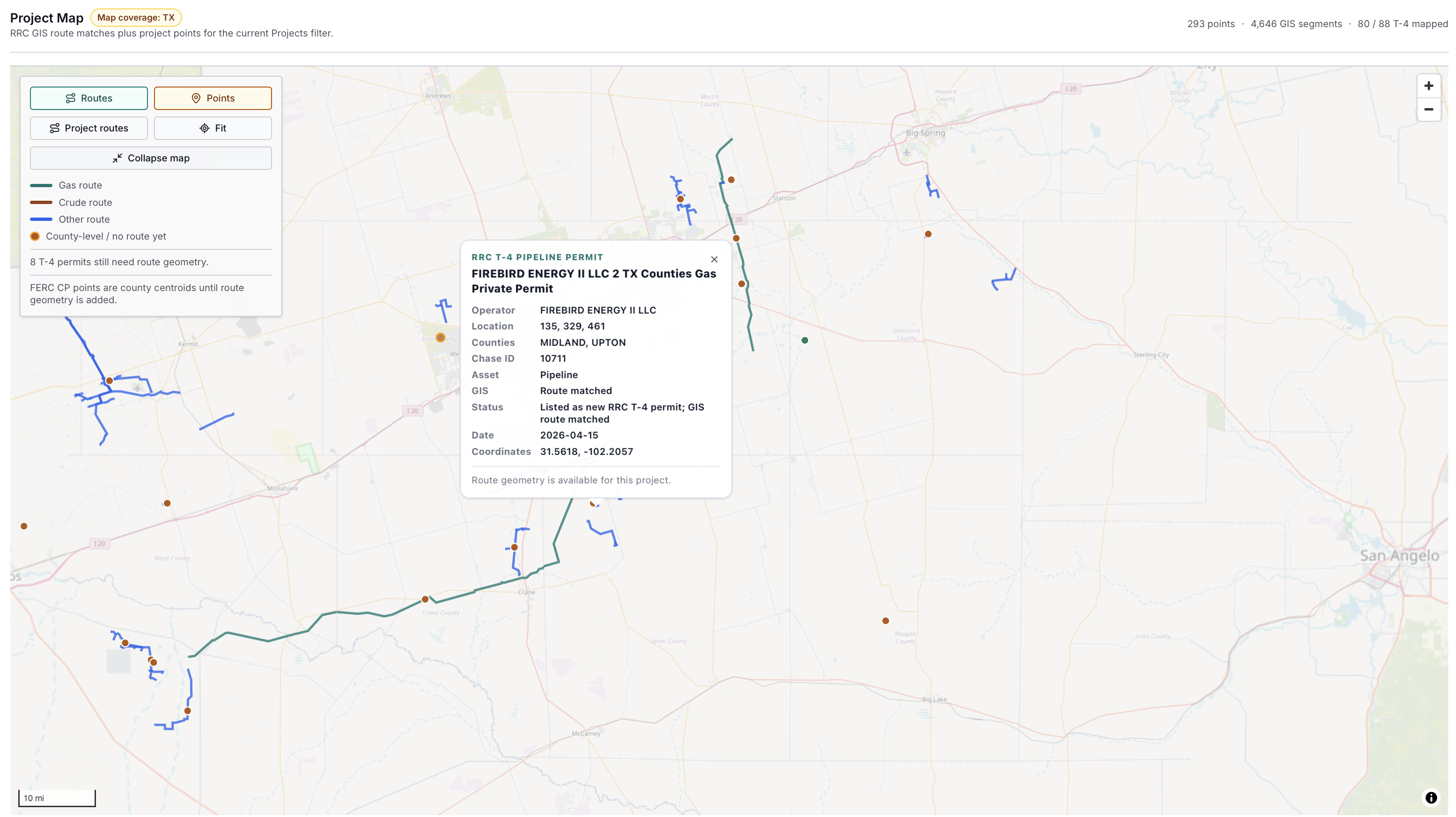
Find Texas pipeline and facility records worth a sales follow-up.
Turn public construction notices and facility records into a source-dated account list with timing, scope, county, source identifiers, and verification notes.
Start with a free 10-row Texas project-signal sample. Use the full app for current watchlists, maps, linked records, exports, alerts, and broader oil and gas workflows.
Public pages show selected, lagged examples. Premium app access is for teams that need current records, source refreshes, maps, exports, alerts, and saved workflows, with an included API allowance. API-only access starts with prepaid credits from $50.
26
state production-data landscape covered in public guides
14+
launch app states with selectable coverage today
13+
states covered by permit-oriented API workflows
724K+
Texas well records referenced in launch materials
Choose your path
Choose app access, a scoped report, or prepaid API credits.
Premium includes the app and an API allowance. API-only buyers can start with prepaid credits. Reports and custom delivery are scoped around your territory, operators, and research question.
Premium is built around repeatable workflows: find where activity is happening, open the underlying records, compare operators, and export the evidence for the next call, report, or review.
The work is not just finding a row. It is knowing the source, date basis, operator label, location, caveat, and next action before the record moves into an export, alert, report, or API feed.
Start with a state, basin, county, operator, permit, well, or infrastructure record.
02
Check the records
Separate permit issue date, spud timing, production month, facility signal, and source caveat.
03
See the area
Move from records to maps, nearby wells, counties, and infrastructure context.
04
Act on the list
Export, save, alert, request a package, or connect the data through API workflows.
Developer access
API and MCP access for oil and gas data workflows
EnergyNetWatch supports structured oil and gas data access through the Premium app, API endpoints, MCP workflows, and custom data delivery. Start with prepaid API credits from $50, connect AI tools through MCP, or request a custom workflow for larger data needs.
Premium includes the EnergyNetWatch data assistant for plain-language questions across operators, permits, wells, production, infrastructure records, and coverage context. It keeps answers tied to available records instead of turning public data into unsupported claims.
state production-data landscape covered in public guides
14+
launch app states with selectable coverage today
13+
states covered by permit-oriented API workflows
724K+
Texas well records referenced in launch materials
Coverage depth varies by dataset. Not every state has identical production, permit, map, and workflow parity.
App access
Start EnergyNetWatch Premium.
The public site explains the sources and methods. Premium is $150/month for app access, maps, filters, alerts, exports, saved workflows, the source-aware data assistant, and an included API allowance. API-only access starts with prepaid credits from $50.